


Following last week’s Android Drop, Google has started distributing an update for its Find Hub app that adds a new “Remembered” tab.
Once the update is installed, users will find “Remembered” alongside the existing Devices and People tabs. The new section is represented by a bookmark icon featuring the Gemini spark.
Users can “Tell Gemini to remember where you put everyday belongings,” with examples such as: “Remember that I put my passport in my top dresser drawer.” The FAB (floating action button) includes an “Ask Gemini” shortcut that launches the complete app, while users can also choose the “Manual entry” option.
The process initially asks users to provide the item’s “Name” and “Storage spot.” Additional information can then be added, including a photo, “Location” such as your Home, and any “Notes.”
Find Hub displays all saved items within the sheet, while Gemini can also access the same information for hands-free interactions.
Find Hub version 3.1.732-02 is currently rolling out through the Google Play Store, although the update has not yet reached a broad number of users.
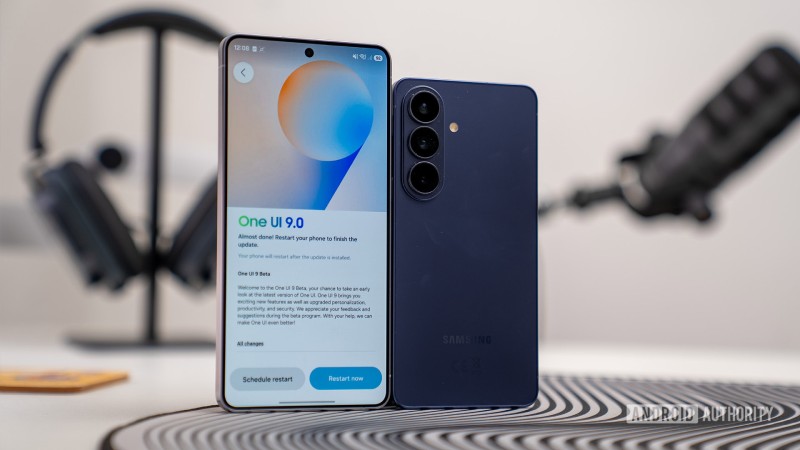
Samsung is now delivering its One UI 9 update to G..
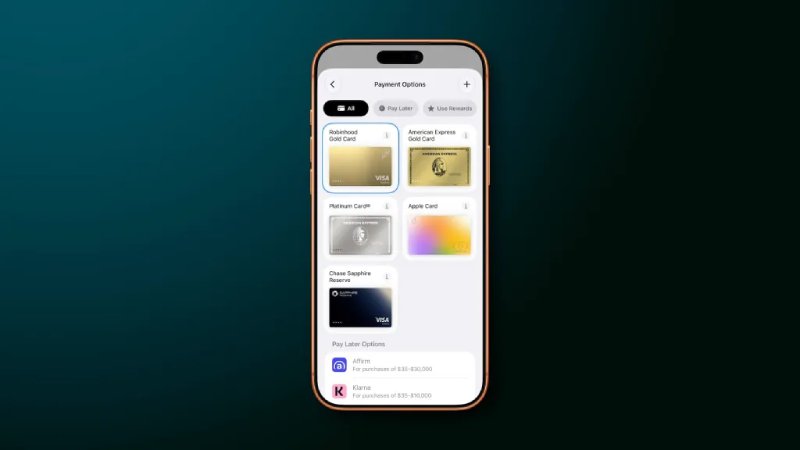
Apple has revamped the Apple Pay checkout experien..