

Following a 10-month pause, Google Wallet has started introducing support for Ohio state IDs on Android.
To add one, open the Google Wallet app, tap the ‘plus’ button beside “View more” at the bottom, choose IDs & personal info, and then select Driver’s license or state ID. Ohio now appears as the 12th Google Wallet option, joining Arizona, Arkansas, California, Colorado, Georgia, Iowa, Maryland, Montana, New Mexico, North Dakota, and Puerto Rico.
The digital card design features the Northern Cardinal, the state bird of Ohio.
The enrollment procedure involves photographing both the front and back of your physical card, along with recording a brief video of your face for verification that is sent to the OH BMV. The review may take several minutes, and a notification will confirm when the ID becomes available. The state agency will also send an email confirmation.
First, tap the reader or scan your QR code: Your personal info won’t be shared yet. On your phone, review what info you want to share.
Next, review what info will be shared: Confirm that you are comfortable providing the information they request.
You don’t need to hand your phone to anyone: Your ID will be securely shared using Bluetooth, so make sure it’s on.
Lastly, verify it’s you to share your info: For added security, confirm that this ID belongs to you using your face, fingerprint, password, or PIN.
The “Details” option beside “Show code” allows you to turn on an “Activity history,” while “Driver’s License information” displays the license number, date of expiry, address, and other information.
IDs can be accessed through NFC or by having the QR code scanned. The digital ID is accepted at some airports by the TSA. However, users are still officially required to carry their physical ID card because the version stored on a phone “does not replace the requirement for individuals to carry a physical card.”
Your device needs to run Android 8+ and have a screen lock enabled, with Bluetooth and Nearby devices turned on. A state ID can be removed from Google Wallet at any time or deleted remotely through myaccount.google.com. As a private pass, it is not synchronized to the cloud and remains available on only one device.
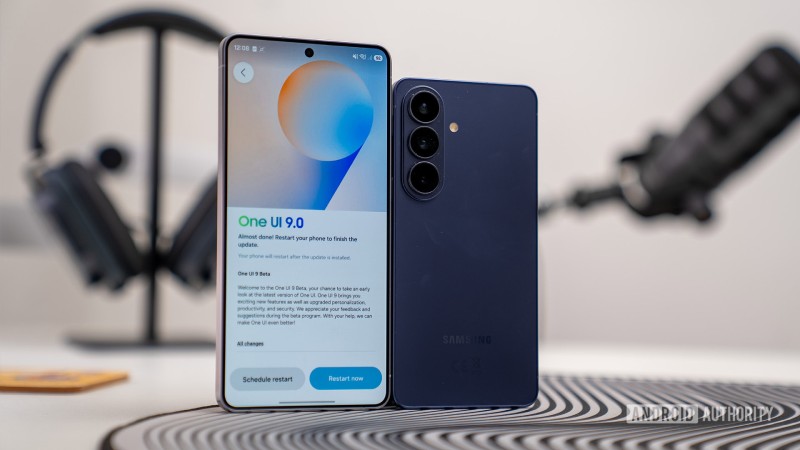
Samsung is now delivering its One UI 9 update to G..
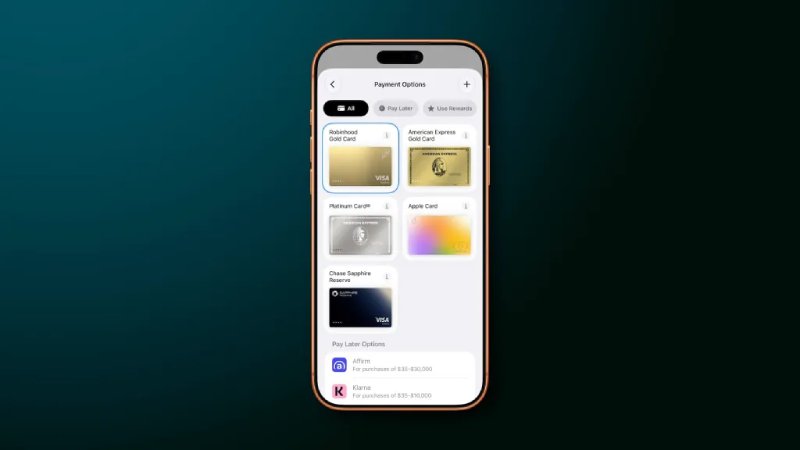
Apple has revamped the Apple Pay checkout experien..