

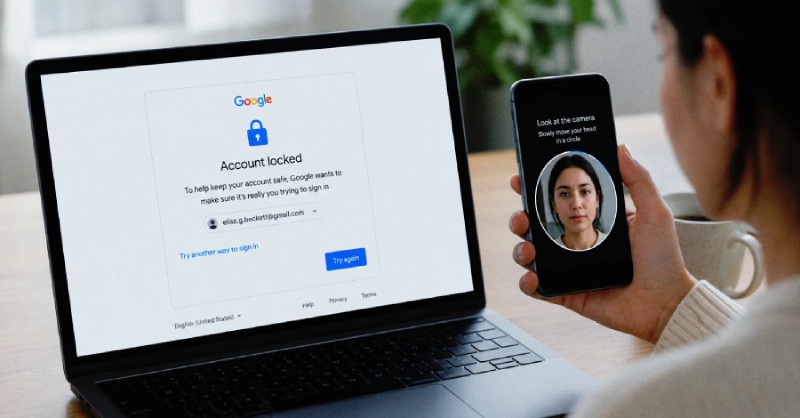
Google is introducing a new way for users to access their accounts by using selfie videos for authentication. While users have already been able to sign in with facial recognition through their phone's face unlock feature or biometric verification linked to passkeys, this new method offers another facial authentication option. It can be particularly helpful if you are unable to access your usual phone or computer, or if you become locked out of your account and other sign-in methods are unavailable.
To use the selfie video sign-in feature, you must first enable it. Visit Google's My Account page and select Security & sign-in. Under the How you sign in to Google section, choose Selfie video. On the Add selfie for sign-in page, click Continue. If your computer includes a camera, you can complete the setup directly on that device. Otherwise, Google will display a QR code that you can scan with your smartphone to finish the enrollment process. During setup, you will need to remove any glasses or face masks, and Google recommends avoiding the presence of other people or busy backgrounds in the frame.
As part of the verification process, Google will instruct you to move your head in specific directions both during enrollment and whenever you use the selfie video option to sign in. According to the company, these movements are designed to help prevent impersonation attempts, including deepfake videos, while confirming that you are physically present in front of the camera. To support future authentication, Google will store your selfie video for comparison during subsequent logins.
Google states that your selfie video will be encrypted and used solely to assist with account sign-in. If you decide you no longer want to use the feature, you can remove the stored video from your Google account. Simply visit the Video Verification page and click Delete next to the selfie video you want to erase. The company also notes that the feature is currently unavailable for Google Workspace accounts, child accounts, and users enrolled in Google's Advanced Protection Program.
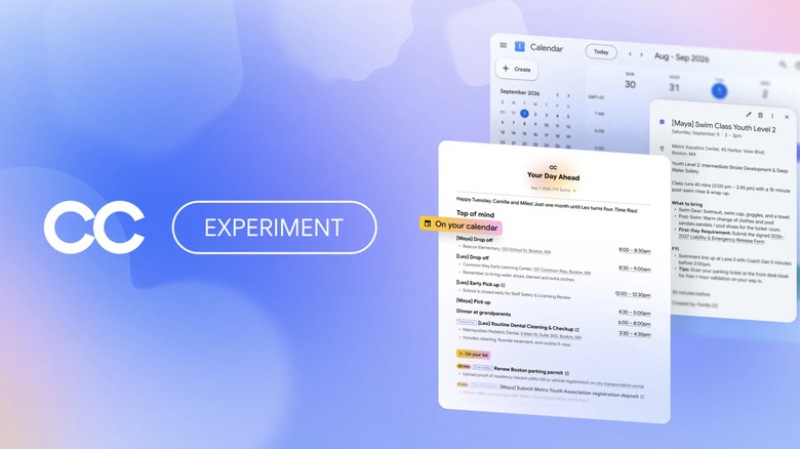
Google has introduced a new experimental AI servic..
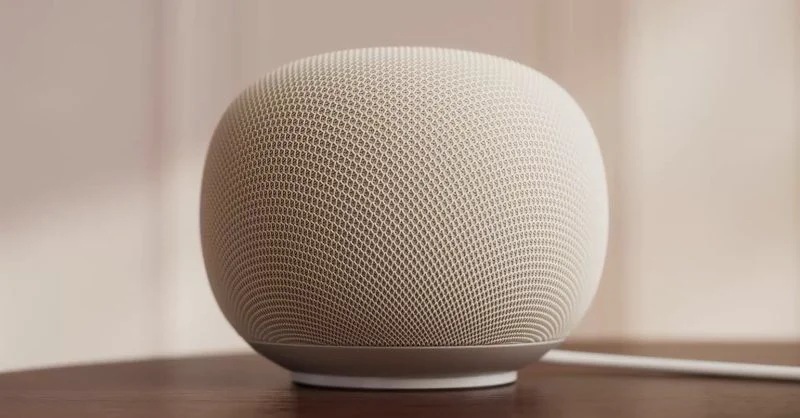
Smart home users will soon have the ability to man..